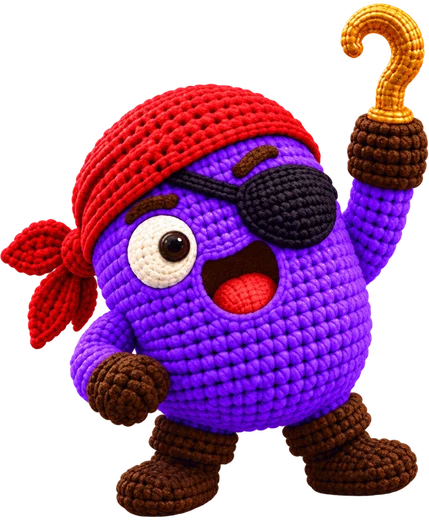
Take a pic of anything you like, your pet, a mug you love, or a drawing your kid made, and the Crochet Pirate app turns it into an amigurumi you can crochet, using yarn you've already got.
How it works
1
Snap a photo
Snap a photo, or pick one out: a toy, a pet, an object, a drawing.
2
Pick size and yarn
Say how big and how tricky you'd like it, and check off the yarn colors on your shelf.
3
Crochet it, step by step
Go round by round with the pattern, and there's a photo at every checkpoint plus a quick video for each move.
What you get
- Your own pattern: each piece, round after round, plus stitch counts.
- Photos of every piece, showing how it should come out, so you can look yours over.
- A little counter that holds your spot, plus a hand when you get stuck.
- Your toys, kept in the app so you can come back to them anytime.
Questions
What can I take a photo of?
Pretty much any item with a clear shape works: a plush toy, a figure, a pet, a fruit, a cup, a sketch. A single subject against a plain backdrop is ideal.
Will it use my yarn?
Sure. Let it know the thickness of your yarn and what shades you've got, and the toy gets made in those colors wherever they fit your picture.
Is it free?
You can use the free patterns in the app. In Crochet Pirate Pro, you can also make toys from your own photos.
Do I need to be an experienced crocheter?
Nope. Pick a simple pattern, and the app guides you through it step by step, with a video for each stitch you'll need.